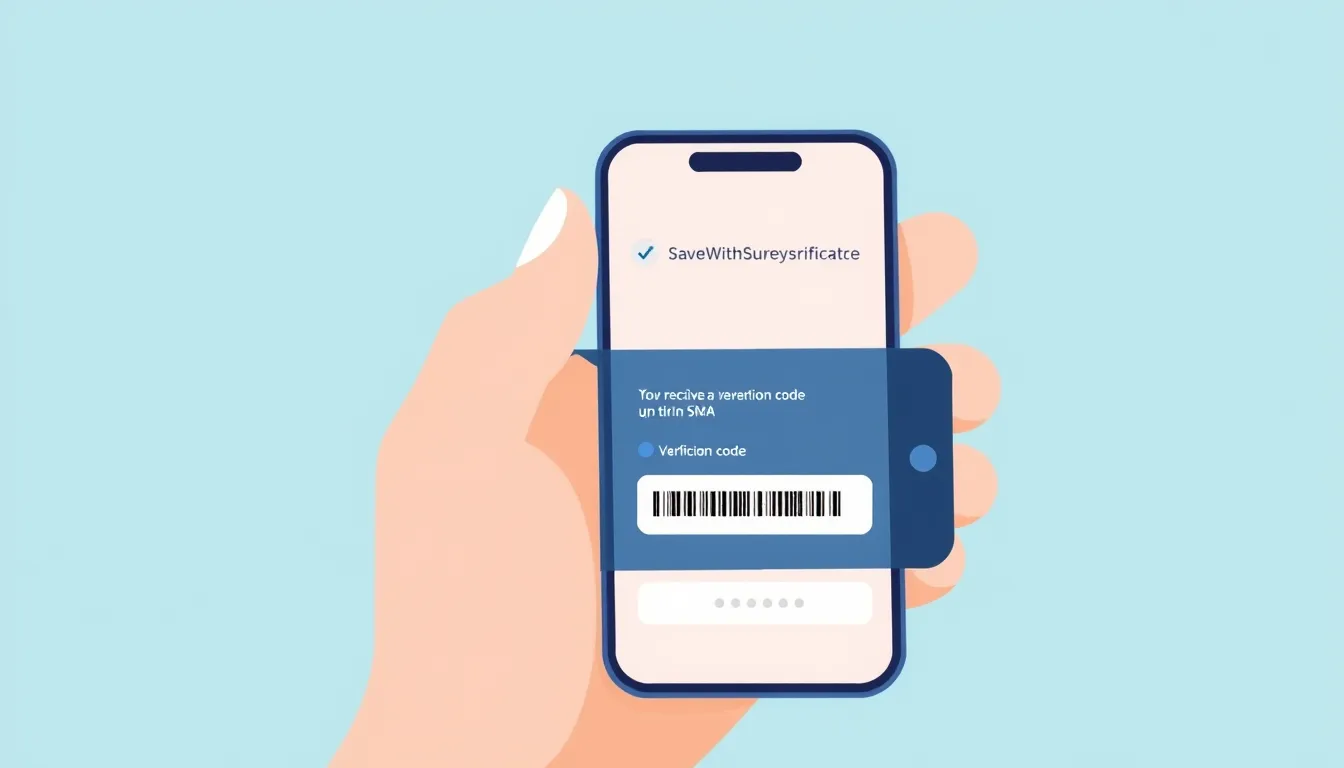
To receive a SaveWithSurveys verification code in the United States, you need an active US phone number capable of receiving SMS messages or automated voice calls. When you register or log in, the platform sends a one-time password, known as an OTP, to confirm your identity before granting access to your account.
If you aren't getting your code, the issue usually stems from carrier short-code filtering, network latency, or using a flagged number type. SaveWithSurveys, like most reward and survey platforms, relies on strict mobile carrier checks to prevent automated bot signups. Knowing how SMS verification works and what to do when messages fail will save you time and keep your account secure.
Quick answer
Receive your SaveWithSurveys verification code by entering a valid US mobile number during sign-up. If the OTP fails to arrive within 60 seconds, check your carrier spam settings, request a voice call fallback if available, or use a reliable virtual number service like Codesverify to complete the verification cleanly.
How SaveWithSurveys SMS Verification Works
The verification process starts the moment you submit your phone number on the platform's registration or login page. SaveWithSurveys hands off the request to an SMS gateway, which routes the message through a telecom aggregator to reach your carrier. Your carrier then delivers the 4-digit or 6-digit code directly to your messaging app.
This entire handoff takes anywhere from five to thirty seconds under normal network conditions. However, US carriers implement aggressive spam filters that occasionally flag automated traffic. If your carrier misidentifies the message header as commercial spam, the text might drop silently without ever hitting your lock screen.
Common Reasons Verification Codes Fail to Arrive
Staring at an empty inbox while waiting for an OTP is frustrating. Several distinct factors cause these delivery failures on survey platforms.
- Carrier short-code blocks that silently drop automated messages from unfamiliar senders.
- Using a flagged VoIP prefix that automated fraud systems reject instantly.
- Network congestion during peak evening hours when carrier queues back up.
- Typing errors in the phone number format, such as omitting the country code prefix.
One candid limitation to keep in mind is that survey sites update their routing rules frequently. Even if a number type worked last month, changes in carrier filtering can cause sudden delivery blocks today.
Choosing the Right US Number for Verification
Not all phone numbers are treated equally by reward platforms. Standard mobile numbers tied to major US carriers like Verizon, AT&T, or T-Mobile accept verification texts reliably because they pass all carrier validation checks. Landlines cannot receive text messages at all, though some systems offer voice call verification as an alternative.
Many privacy-conscious users prefer not to share their personal cell numbers with reward and survey sites due to marketing spam risks. For this reason, many turn to dedicated temporary or rental numbers. Using a clean non-VoIP number helps maintain privacy while still clearing the strict carrier filters that block cheap web-based messaging services.
Troubleshooting Missing Verification Codes
If your SaveWithSurveys code does not appear within one minute, try these practical troubleshooting steps before requesting a new code.
- Wait at least sixty seconds before hitting resend. Requesting multiple codes back-to-back often triggers rate-limiting blocks on the server side.
- Check your device's blocked message lists or hidden spam folders, as some built-in phone filters misclassify OTP messages.
- Toggle airplane mode on your device for ten seconds to force a fresh cell tower registration and clear stuck queue messages.
- Switch from a Wi-Fi connection to mobile data if you are using an internet-linked device, as certain messaging apps fail to sync over restricted local networks.
Maintaining Account Security
Receiving your verification code is only the first step in keeping your account safe. Always use a strong, unique password that you do not reuse across other survey sites or email accounts. If SaveWithSurveys offers two-factor authentication beyond the initial SMS check, enable it to protect your earnings and personal information from unauthorized access.
Related guides
- How to Receive a Bitwage Verification Code in the USA (2026)
- How to Receive a FastMail Verification Code in the USA (2026)