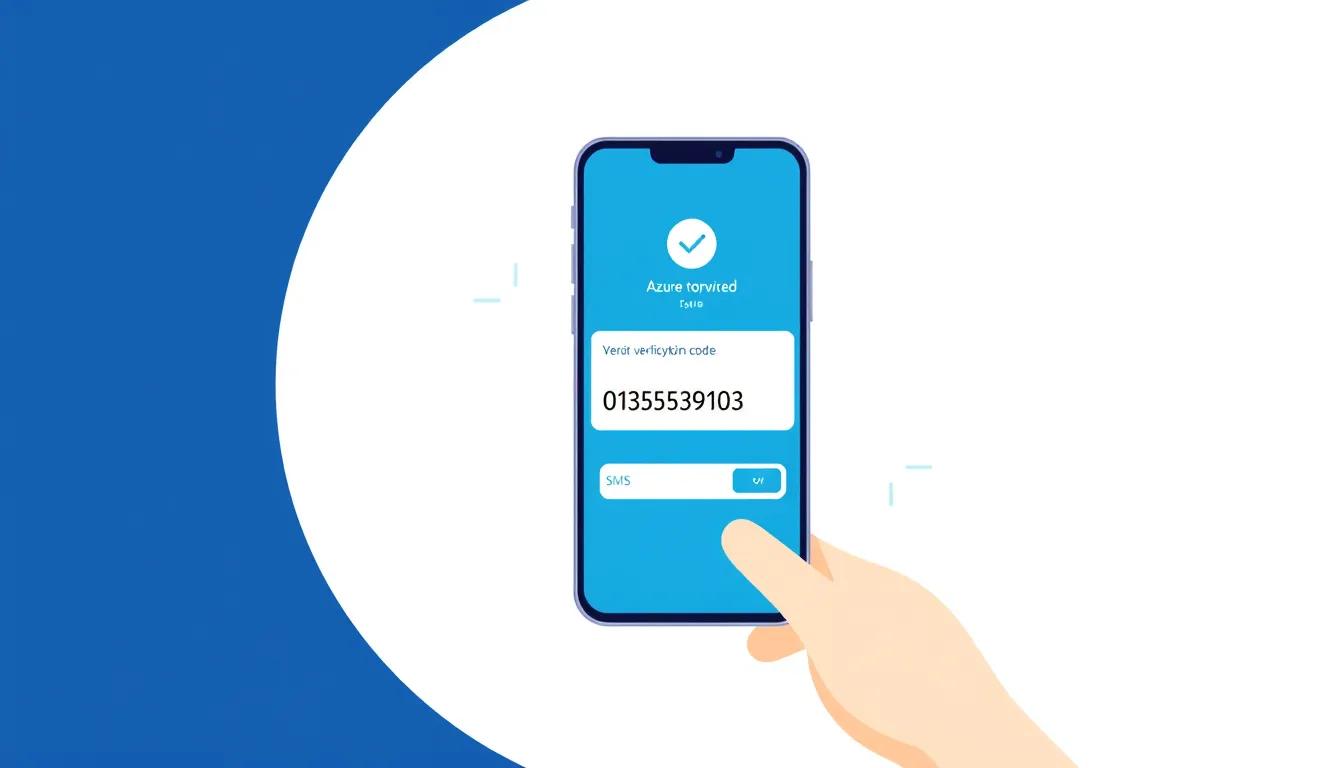
Receiving an Azure one-time password (OTP) without a personal mobile phone requires a reliable mobile-verified number that accepts automated short-code messages. Microsoft uses strict gateway screening for cloud registration, making standard internet phone numbers unreliable.
When you need to complete a sign-up or secondary security challenge on your developer account, you need a setup that clears carrier filters. If you want to use a dedicated private inbox rather than exposing your personal phone, Codesverify provides virtual phone numbers capable of receiving short-code messages for major cloud platforms.
Quick answer
The best way to get a Microsoft Azure OTP online is to use a non-VoIP mobile number from a dedicated verification service that guarantees short-code message delivery. Avoid free public web lists, as Microsoft flags and blocks those numbers instantly during the security challenge phase.
Why Azure Verification Fails on Standard Virtual Numbers
Microsoft employs carrier-lookup APIs during account creation. When an automated system processes your registration, it queries the telecom registry to see if your provided number belongs to a traditional mobile carrier, a landline provider, or a virtual internet provider.
If the registry flags the prefix as a virtual operator, Azure's system triggers an immediate block or returns an error stating that the phone number cannot be used for verification. This security measure prevents automated bot accounts from spinning up free-tier cloud resources.
Because of this, you need numbers sourced directly from mobile carrier pools. These numbers register in telecom databases as genuine cellular devices, allowing automated short-code messages to land in your inbox within seconds.
Evaluating Your Options for Receiving an Azure OTP
Finding a reliable verification method requires weighing privacy, cost, and delivery speed. Each approach handles cloud platform security differently.
- Free public SMS sites: These are entirely public inboxes visible to anyone. While they cost nothing, they fail instantly on Azure because thousands of other users have already burned those numbers, and Microsoft blocks them at the gateway level.
- Personal secondary SIM cards: Buying a prepaid physical SIM card offers high reliability, but it requires physical hardware, retail registration in many countries, and recurring costs to keep the line active.
- Dedicated online verification services: Platforms like Codesverify offer temporary or rental numbers specifically formatted for short-code delivery, providing the speed of digital access without the privacy risks of sharing your primary personal device.
Common Failure Modes During Azure Verification
Even with a proper mobile number, you might occasionally run into delivery hitches. Understanding these failure modes saves troubleshooting time.
The most common issue is the "Code not received" timeout. Azure's automated sender often experiences queue delays during peak traffic hours, meaning your OTP might arrive two or three minutes after you click resend. Clicking resend multiple times actually invalidates the first code, creating a loop of expired tokens.
Another frequent hurdle is carrier filtering. T-Mobile and other major networks deploy aggressive short-code filters that occasionally drop messages from unfamiliar gateway routes if the originating IP changes unexpectedly. If your code does not appear within sixty seconds, switching to a different regional carrier pool within your verification dashboard usually resolves the block.
Step-by-Step Guide to Receiving Your Azure Code Safely
Completing your cloud account registration smoothly requires a methodical approach to prevent trigger locks on your new profile.
- Open the Azure registration page in a clean browser window or private tab to avoid cookie conflicts.
- Select your target country carefully, making sure the phone number region matches the billing or profile country you input on the form.
- Acquire a clean mobile-verified number from your chosen provider.
- Paste the number into the Azure verification field and request the OTP.
- Wait for the message to populate in your digital inbox, then enter the code immediately before the expiration timer runs out.
Keep in mind that cloud providers watch for rapid-fire account creation from identical IP addresses or device fingerprints. Taking your time between steps reduces the chance of hitting a manual review flag.
Frequently Asked Questions
Why does Azure say my phone number is not valid?
Azure rejects numbers classified as VoIP or fixed-line services in global telecom databases. Changing to a non-VoIP mobile number resolves this restriction.
Can I use the same virtual number for multiple Azure accounts?
Cloud platforms associate one phone number with a strict limit of accounts to prevent abuse. Reusing the same number across multiple signups typically triggers an immediate security rejection.
How long do temporary verification numbers stay active?
Activation windows depend on whether you choose a single-use code reception or a multi-day rental. Single-use options close out after the initial OTP arrives, while rentals keep the inbox open for ongoing two-factor authentication needs.
Will my Azure account get banned if I use a virtual number?
As long as your account details, payment method, and identity information are legitimate, using a privacy-focused mobile number to receive your initial verification code does not violate platform rules. The verification check simply requires a valid cellular routing path.
What should I do if the verification SMS takes too long?
Wait at least ninety seconds before requesting a new code. Requesting multiple codes in rapid succession causes Azure's automated gateway to lock the request queue temporarily.
Are free online SMS numbers safe to use for Microsoft services?
No. Free numbers are monitored by automated security systems and are universally blocked by cloud platforms because they are frequently tied to fraudulent sign-up rings.
Related guides
- How to Receive Microsoft Office 365 Verification Code USA (2026)
- Best Way to Get a MicrosoftRewards OTP Online (2026 Guide)