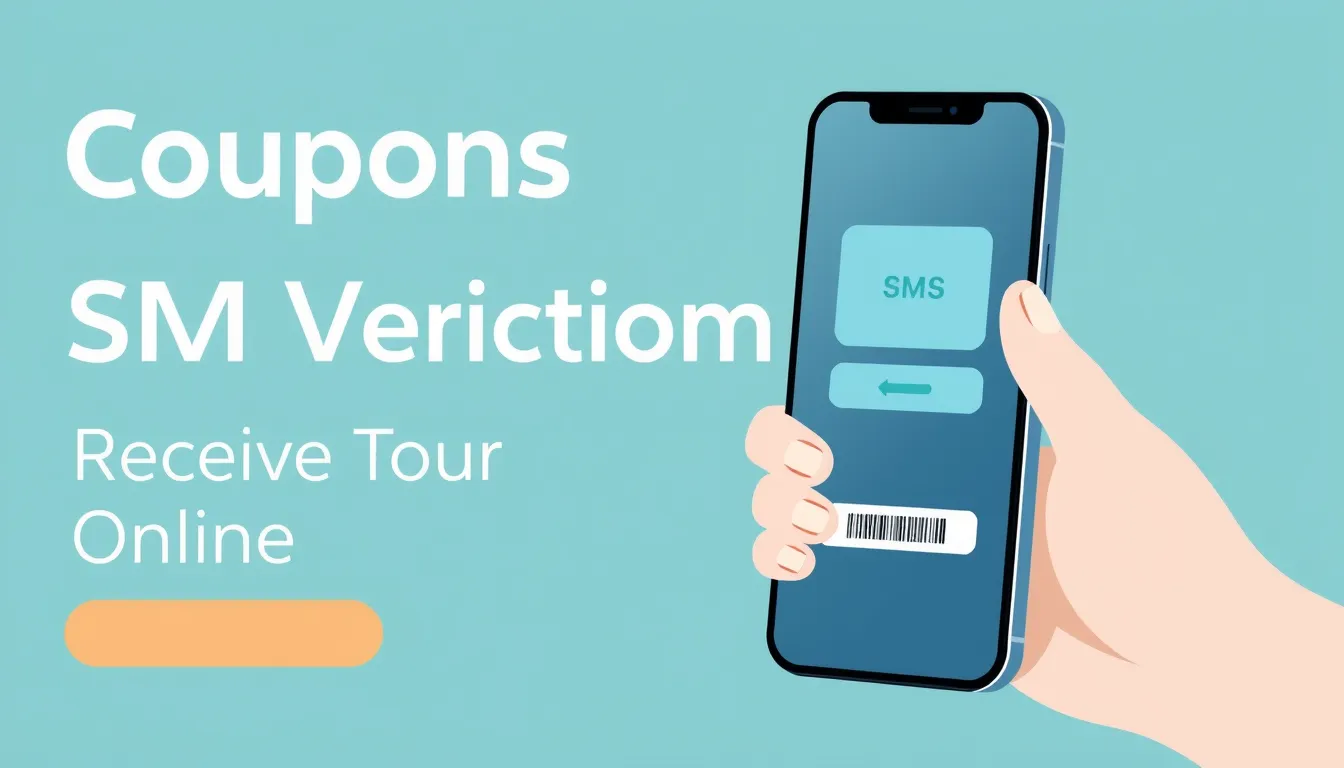
You can receive a coupons SMS verification code online by using a temporary virtual phone number, which lets you pass one-time password (OTP) checks without handing over your personal mobile number. If you are signing up for retail reward programs, daily deal sites, or coupon apps that demand phone verification, public and private online numbers allow you to complete the process in seconds.
Most major savings platforms and coupon extensions require a phone number to prevent bot signups and multiple account creation. When you enter a number at checkout or registration, the platform sends a short numeric code via SMS. For privacy-conscious shoppers or people managing multiple accounts, using a dedicated service like Codesverify to receive these verification codes online keeps personal phone lines secure from unsolicited marketing calls and spam.
Quick answer
To pass coupons SMS verification without using your real phone, select an online number from a virtual SMS provider, paste it into the coupon platform's verification field, and watch the incoming message box on your screen for the OTP. The main catch is that many coupon apps block free public numbers, making paid private or rental numbers necessary for reliable delivery.
Why coupon apps require phone verification
Retailers and deal websites lose millions of dollars annually to automated scripts that claim sign-up bonuses, referral credits, and single-use discount codes in bulk. Requiring a phone number creates friction for bots. A standard SMS verification check ensures that a human being with a unique SIM card or carrier profile stands behind the keyboard.
Platforms like Honey, Ibotta, Rakuten, and various store-specific reward apps enforce this rule strictly. Try to register with a burner email alone, and you will hit a wall at checkout or account creation. The system prompts you for an SMS code, and the screen pauses until the input matches the server request.
This creates a genuine privacy dilemma. Shoppers want the five-dollar discount or the free shipping code, but they do not want their primary cell phone flooded with promotional texts from third-party marketing partners down the road. Using an online receiving service solves this friction point.
How online SMS verification works
The technical process behind receiving an OTP online involves routing text messages through cloud-connected carrier gateways. When a coupon platform triggers an outbound text to your assigned virtual number, the telecom provider receives the message via traditional signaling networks and forwards it to a web-based dashboard.
You do not need a physical SIM card in your phone. As long as your browser is open to the platform interface, the code appears on your screen within a few seconds. Delivery speed typically ranges from two to fifteen seconds, depending on carrier traffic and the specific short-code sender used by the retailer.
Here is what the standard workflow looks like in practice:
- Pick a country and app service from your chosen verification dashboard.
- Copy the assigned virtual phone number into the coupon app's verification prompt.
- Wait for the incoming message to render in your online inbox.
- Copy the numeric code and paste it back into the coupon platform to complete registration.
Public numbers versus private rentals for coupons
Not all online numbers behave the same way. When searching for ways to receive verification codes, you will encounter free public inboxes and paid private numbers. Knowing the difference saves you from endless timeout errors.
Free public lists display incoming SMS messages to anyone viewing the page. While convenient for low-security signups, they fail on most major coupon platforms. Retail anti-fraud systems flag free VoIP and shared public ranges instantly, dropping the OTP before it ever hits the inbox. Furthermore, anyone else can view your messages on a public page, making them useless for accounts holding store credit or gift card balances.
Private rentals and dedicated one-time numbers assigned exclusively to your session offer a much higher success rate. Coupon apps treat these numbers like standard mobile subscribers, allowing the verification SMS to pass through without triggering fraud filters.
Common failure modes and how to fix them
Even with a paid virtual number, you might occasionally run into hiccups during coupons SMS verification. Understanding the root cause helps you troubleshoot quickly.
The most frequent issue is the dreaded code timeout. If the counter reaches zero and no message arrives, the sender's short-code gateway may be experiencing carrier congestion, or the app's anti-abuse filter has quietly blocked the prefix. When this happens, cancel the request, release the number, and generate a fresh one from a different pool.
Another common hurdle involves carrier type mismatches. Certain reward apps perform deep carrier lookups in the background. If a platform specifically requires a traditional mobile network operator and detects a virtual prefix, it rejects the input with a generic error message like "Please enter a valid mobile number." Choosing a provider with clean carrier routes minimizes this risk.
Privacy considerations when verifying deal accounts
Protecting your personal data goes beyond avoiding spam calls. Coupon apps often track your shopping habits, location data, and browsing history across partner sites. Linking your primary phone number ties all that data directly to your real-world identity.
Using a separate online number creates a firewall between your consumer profile and your private life. If a retail database suffers a security breach, your real phone number remains safe from credential-stuffing attacks and targeted phishing texts. For occasional shoppers who only want a single discount code, this extra layer of digital hygiene is well worth the minimal effort.
Frequently asked questions
Will coupon apps ban my account if I use a virtual number?
Most coupon apps simply reject virtual numbers at the registration stage rather than banning accounts later. If the system accepts the number and delivers the OTP, your account is generally safe to use for standard shopping activities.
How long do virtual numbers stay active for receiving codes?
Single-use numbers remain active only for the duration of the verification session, typically lasting between 10 and 20 minutes. Rental numbers, by contrast, can stay assigned to your account for days or weeks if you need to receive follow-up security codes.
Why did my verification code never arrive?
Delivery failures usually happen because the platform's anti-fraud system flagged the number prefix or the SMS gateway is experiencing temporary delays. Switching to a different number or trying again after a few minutes usually resolves the issue.
Can I use free online SMS sites for coupon verification?
You can try, but success rates are extremely low. Major retailers blacklist free public numbers immediately because thousands of users have already registered accounts with them.
Do I need a special app to view my verification codes?
No special software is required. Most modern verification services operate entirely through standard web browsers on both desktop and mobile devices.
Are virtual numbers legal to use for retail signups?
Yes, using an online number for account verification is completely legal in most jurisdictions. It is simply a privacy tool designed to keep your personal cell phone off marketing lists.
What should I do if a specific store app keeps rejecting my numbers?
If a particular retailer's security filter blocks every virtual number you try, you may need to switch to a provider that offers deeper carrier integration or use an alternative sign-up method.
Related guides
- Nextdoor SMS Verification: Receive Your Code Online
- How to Receive an Ourtime Verification Code in the USA (2026)
- Chalkboard SMS Verification: How to Receive OTP Codes Online